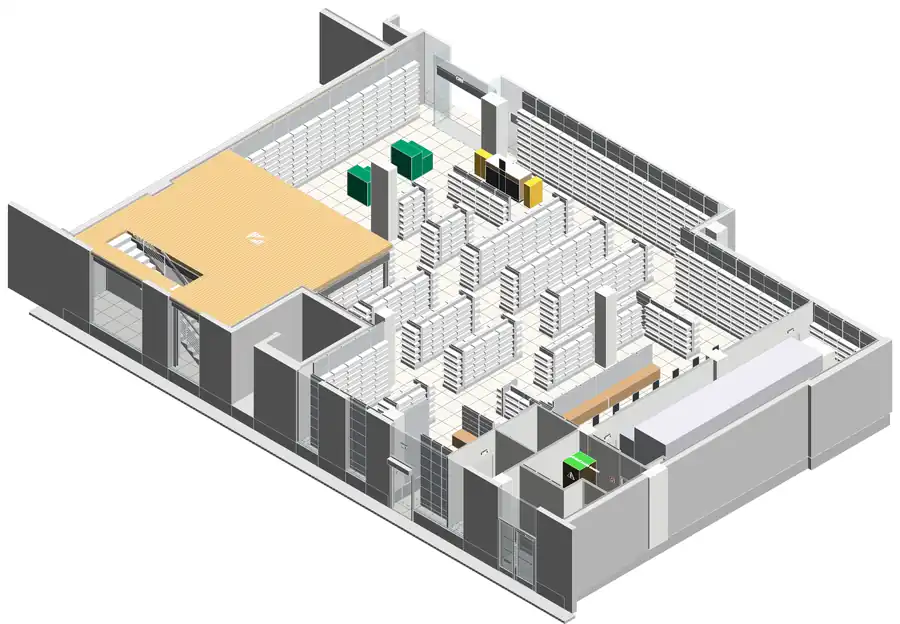
If you work in Revit, you have probably come across phases. Yet they are often underused, even though they can transform your workflow!
📌 Why use phases?
Phases let you manage how a project evolves over time: existing state, demolition, new construction… Ideal for renovations, extensions or projects built in several stages!
⚙️ A few good practices:
✅ Set up phases properly from the start of the project to avoid errors along the way.
✅ Use phase filters to control how elements are displayed (existing, to be demolished, new).
✅ Use schedules to produce accurate quantities for each phase.
✅ Compare different versions of a project without duplicating files.
🚀 Time saved, better readability and optimised project management: phases in Revit are a powerful tool for architects, engineers and BIM managers.
💡 What about you, do you use phases in your Revit projects? Any tips to share?

Mastering phases in Revit